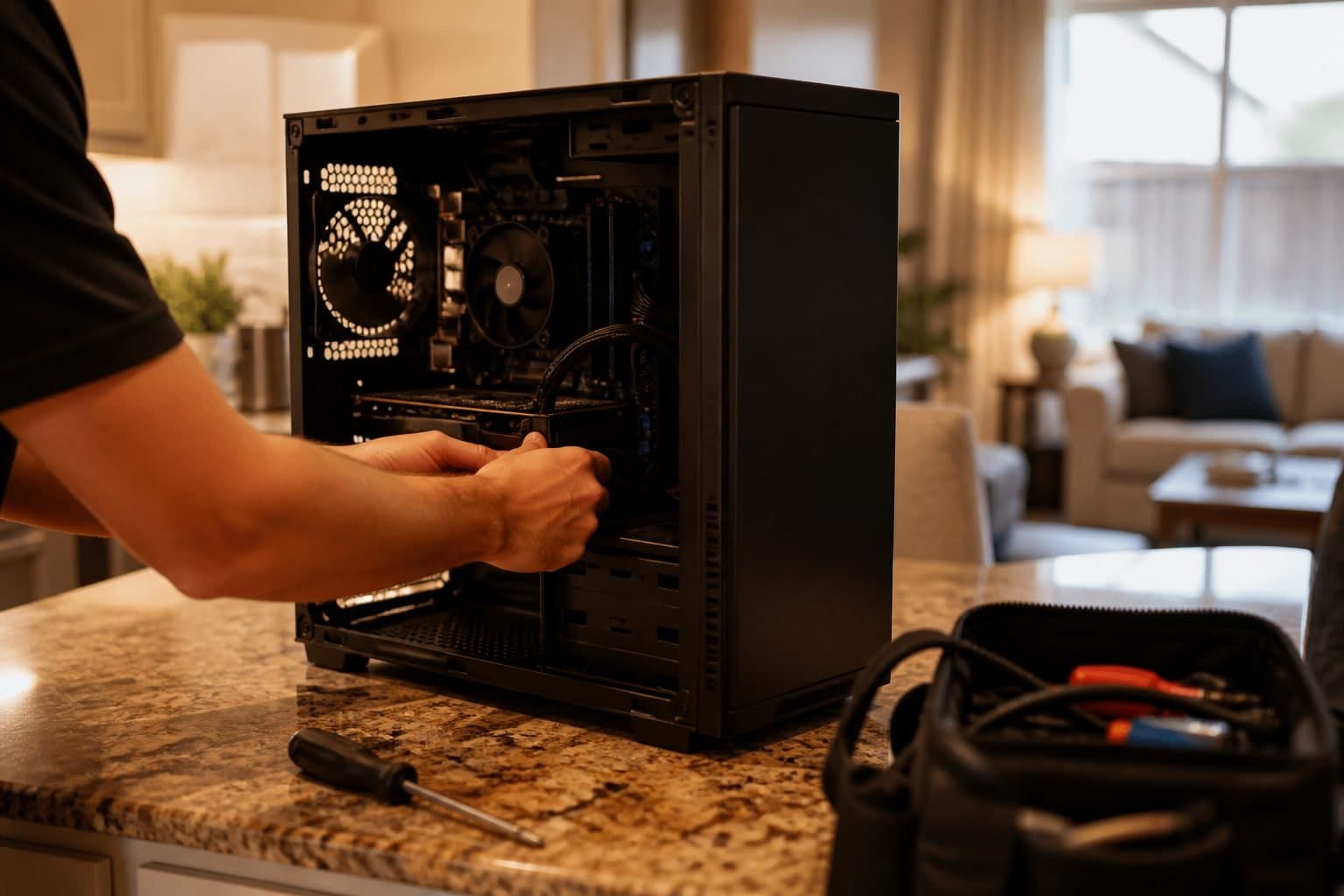
Houston summers cook laptops. Dust plus 95°F days means fans work overtime, thermal throttling kicks in, and everything feels sticky. That’s one cause — but it’s rarely the only one.
The other big culprit is storage. A ten-year-old hard drive can take minutes to boot and forever to open Chrome. Software cleanups help a little. An SSD clone usually feels like a new machine.
Before you buy a $900 laptop, try this order of operations: (1) free up disk space and disable junk startups, (2) check Task Manager for a disk or memory bottleneck, (3) upgrade to SSD and/or RAM if the hardware is the limiter.
We run that triage on-site across Greater Houston. If a $149 labor SSD upgrade solves it, we’ll say so. If the motherboard is failing, we’ll tell you that too — no shop pressure, no display-ad gimmicks.
Gaming laptops and workstations deserve a thermal paste and dust pass as well. Heat damage compounds in our climate; a 45-minute service visit can buy you another few years.